
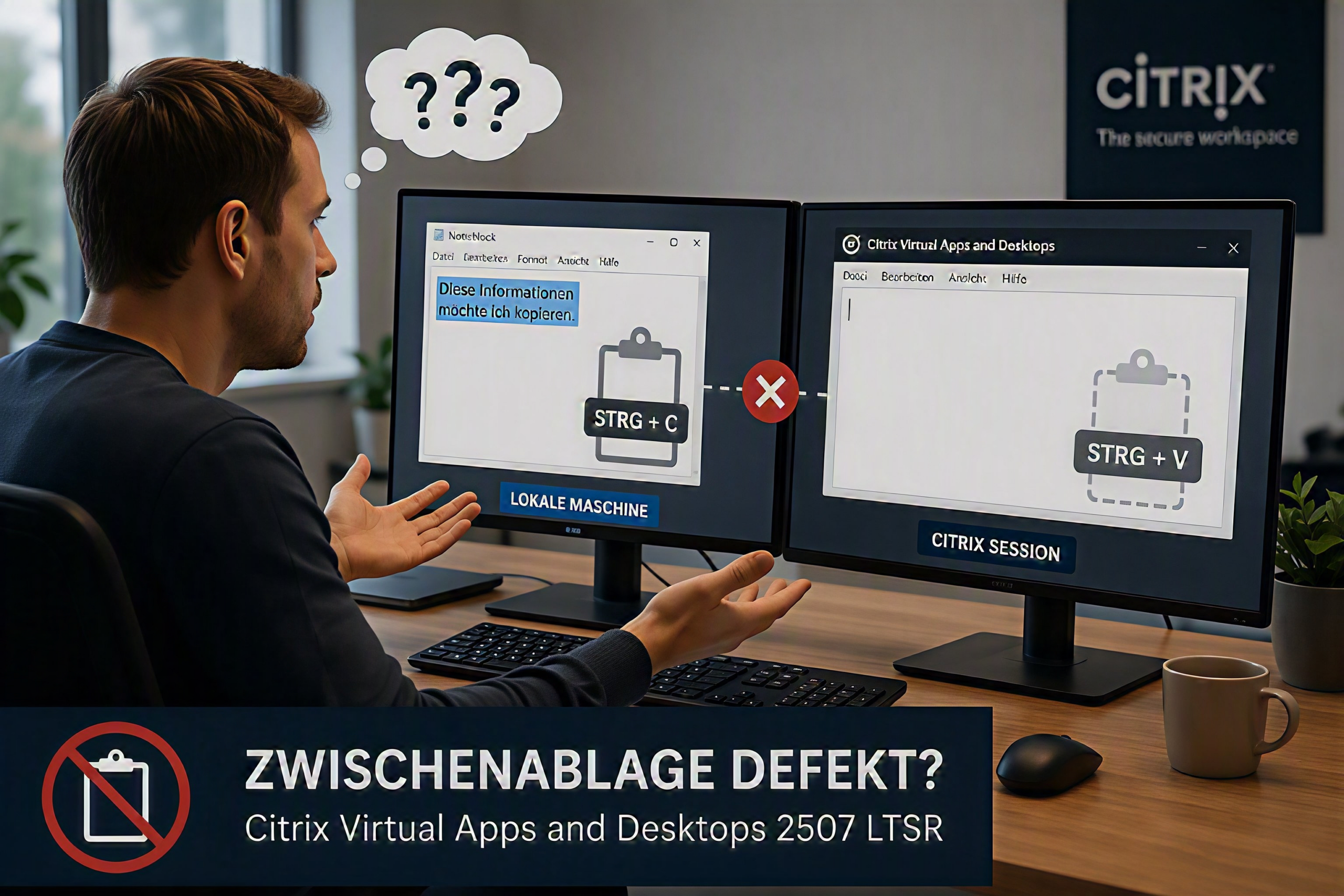
In Citrix Virtual Apps and Desktop 2507 LTSR hat sich leider ein echt nerviges Problem eingeschlichen: Die Zwischenablage stellt häufig (teilweise) in langen Citrix Sitzungen oder beim Reconnect in eine getrennte Session den Dienst ein. Der Fehler ist leider auch weiterhin im CU1 für CVAD 2507 vorhanden.
In diversen Kundenumgebungen meldeten einzelne User, dass „nach einer Zeit“ die Zwischenablage nicht funktioniert. Teilweise war nur der Weg vom Client in Richtung Worker betroffen, mal die Richtung VDA zum Client oder auch beide Richtungen. Das Problem wanderte nicht mit den Usern noch waren alle User auf einem Worker betroffen.
Citrix selber beschreibt in den Fixed Issues [CVADHELP-29644] (Fixed issues | Citrix Virtual Apps and Desktops™ 7 2507 LTSR) zum CVAD 2507 LTSR CU1, der Fehler sei behoben:
With 2507 LTSR, clipboard on multi-user desktops might stop working after a while. [CVADHELP-29644]
Leider nein, leider gar nicht. Das Problem tritt weiterhin auf. In der Citrix Community findet sich ein etwas längere Thread, der zwei funktionierende Lösungen / Workaround bereithält: copy/paste clipboard keeps failing, intermittent – Page 2 – Virtual Apps and Desktops – Citrix Community
In Kurz:
- Option 1) Die vclipbd.dll in „%ProgramFiles(x86)%\Citrix\HDX\bin“ durch eine aus (bspw.) dem vorherigen LTSR Release (2402 CU4 / CU3 / CU2) austauschen
- Option 2) Zumindest für die Worker bzw. VDAs den LTSR Pfad verlassen und die VDA aus dem aktuellen Citrux Virtual Apps and Desktops CR 2603 installieren
Mittlerweile – während ich dazu komme, den Artikel hier fertigzustellen – gibt es auch einen entsprechenden CTX Artikel (CTX696659), der das Problem adressiert: Clipboard Redirection Fails After Upgrading to CVAD 2507 LTSR CU1
Summary
After upgrading Virtual Delivery Agents (VDAs) to Citrix Virtual Apps and Desktops 2507 LTSR CU1, users may experience issues with clipboard redirection where copy and paste operations between the local endpoint and the ICA session do not function as expected.
Details
- Copy/paste from the local machine to the Citrix session fails
- Clipboard functionality may stop working intermittently during an active session
- In some cases, clipboard functionality may fail in both directions (client ↔ session)
- Reconnecting or resetting the session may temporarily restore functionality
- Issue observed after upgrading VDAs to 2507 LTSR CU1, particularly in multi-session environments
Resolution
Please contact Citrix Support and reference ODU-245 to request access to this fix. Access to ODU-245 is not publicly available, so our support team will need to provide it before it can be applied.
A public private fix (ODU-245) is available to address this issue on top of 2507 LTSR CU1.
- This fix can be applied to affected VDAs running 2507 CU1
- Customers should follow the instructions provided with the fix package for deployment
- It is recommended to validate the fix on a subset of machines before full rollout
Permanent Fix (Upcoming / Merged Version)
- The final fix has been merged into the codebase from 2507 LTSR CU2 onwards
- Customers planning upgrades should consider moving to:
- 2507 LTSR CU2 or later, or
- A newer supported release where the fix is incorporated
In diesem Sinne also entweder an den Support wenden und den privaten Fix ODU-245 anfragen, auf das CVAD 2507 LTSR CU2 warten oder den Workaround von hier bzw. aus der Citrix Community umsetzen.
Gutes Gelingen! 🙂

Schreibe einen Kommentar